Jotform
How to Create a Form with Jotform
How to create an online registration form
How to create a contact form with Jotform
Creating a Form from Scratch
1. Log In to your Jotform Portal.
 myJotforms
2. Click the Orange button "Create Form"
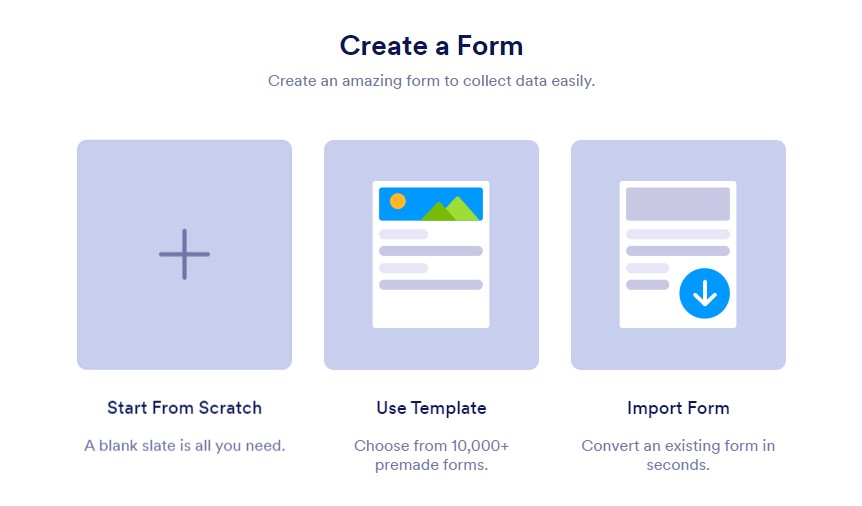
3. Create a Form by choosing Start from Scratch.
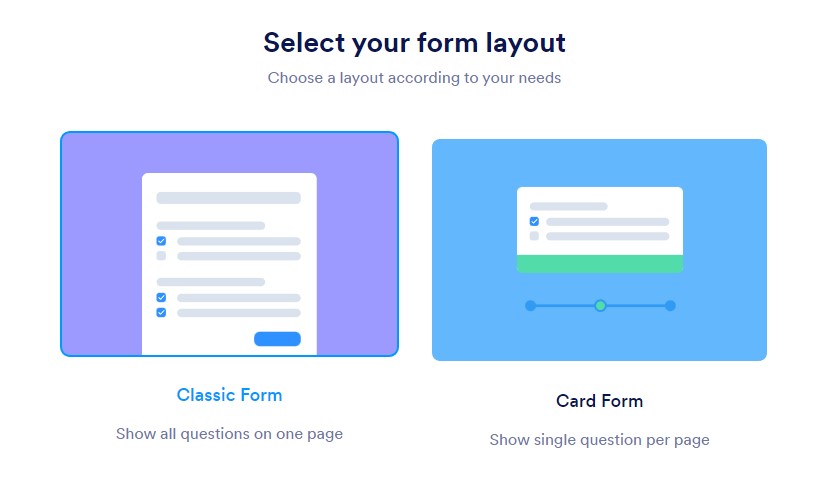
4. Choose Class Form
5. In the first field, you can title your Form.
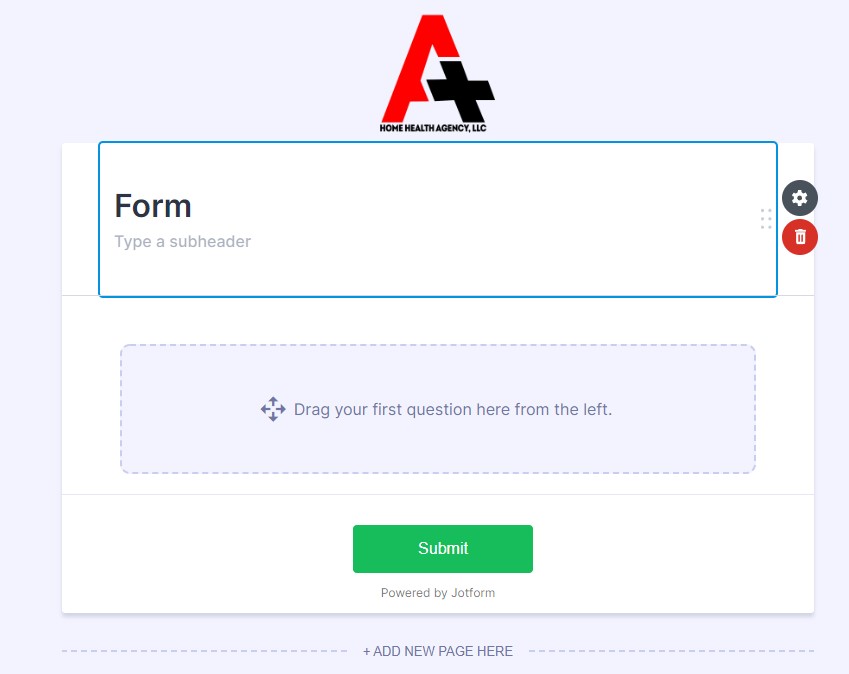
5. In the first field, you can title your Form.
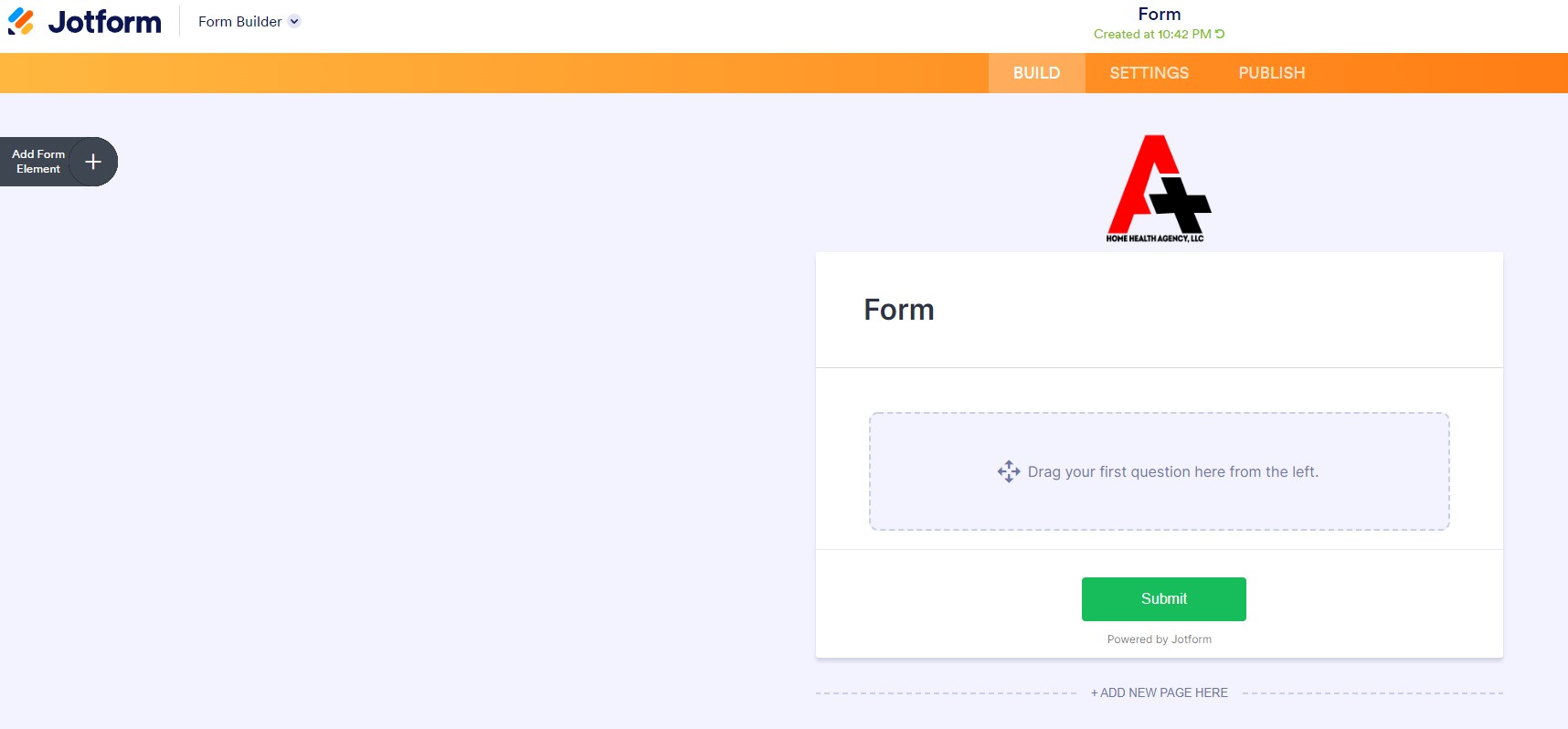
6. Form elements are used to create your own layout of custom forms, that are tailored to your business.
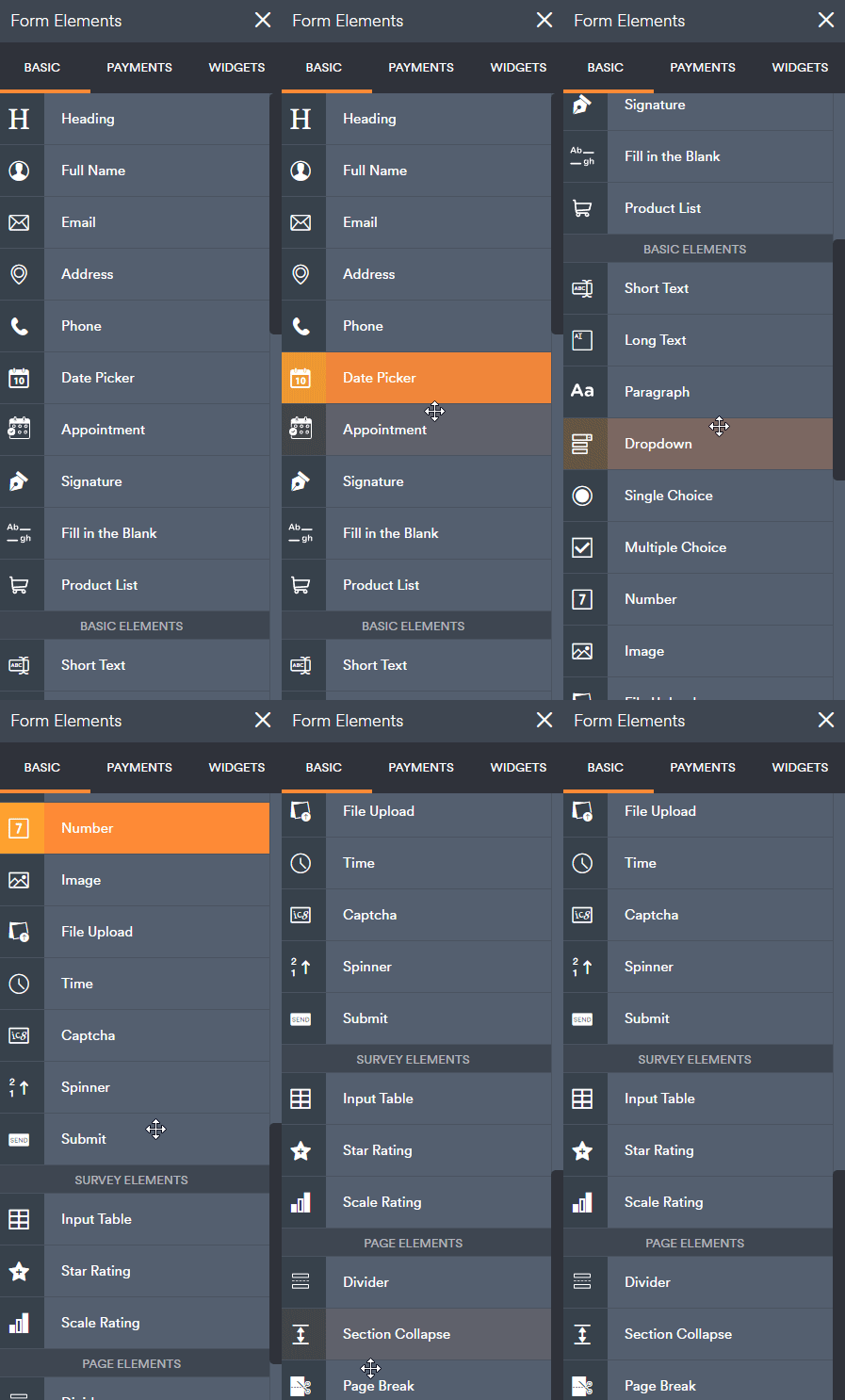
7. In the first field, you can title your Form.
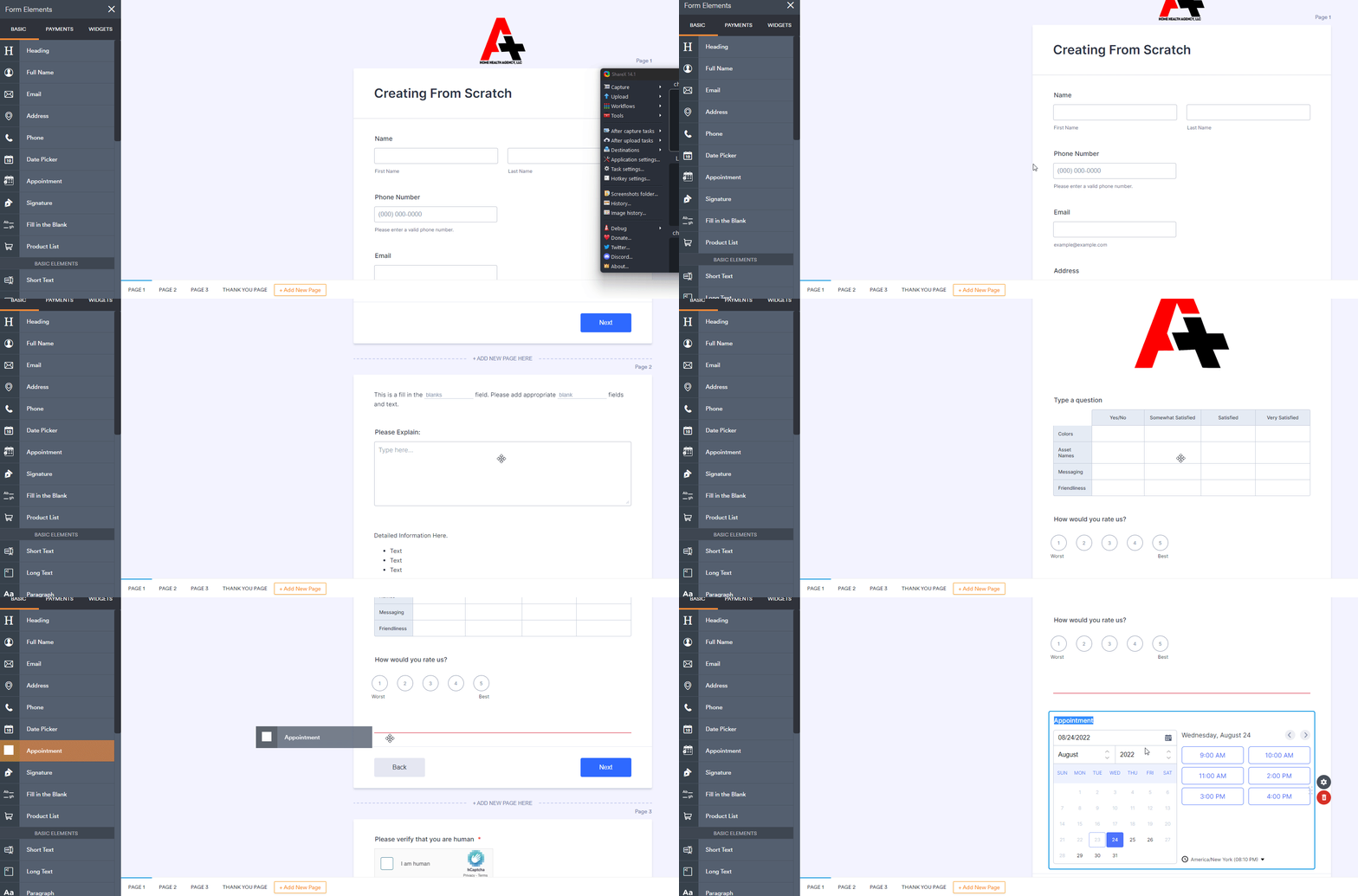
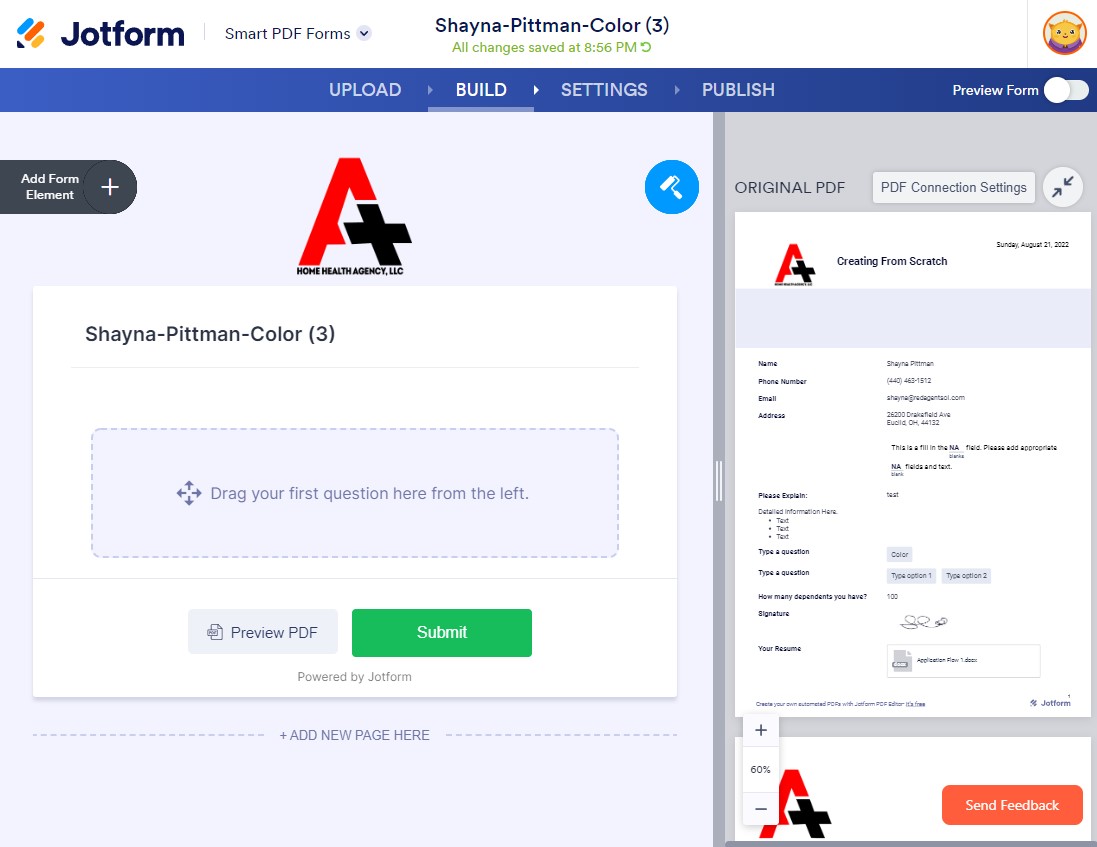
8. Left of the screen, locate Add Form Element bar. This is where you will add elements to your form. Click Add Form Element.
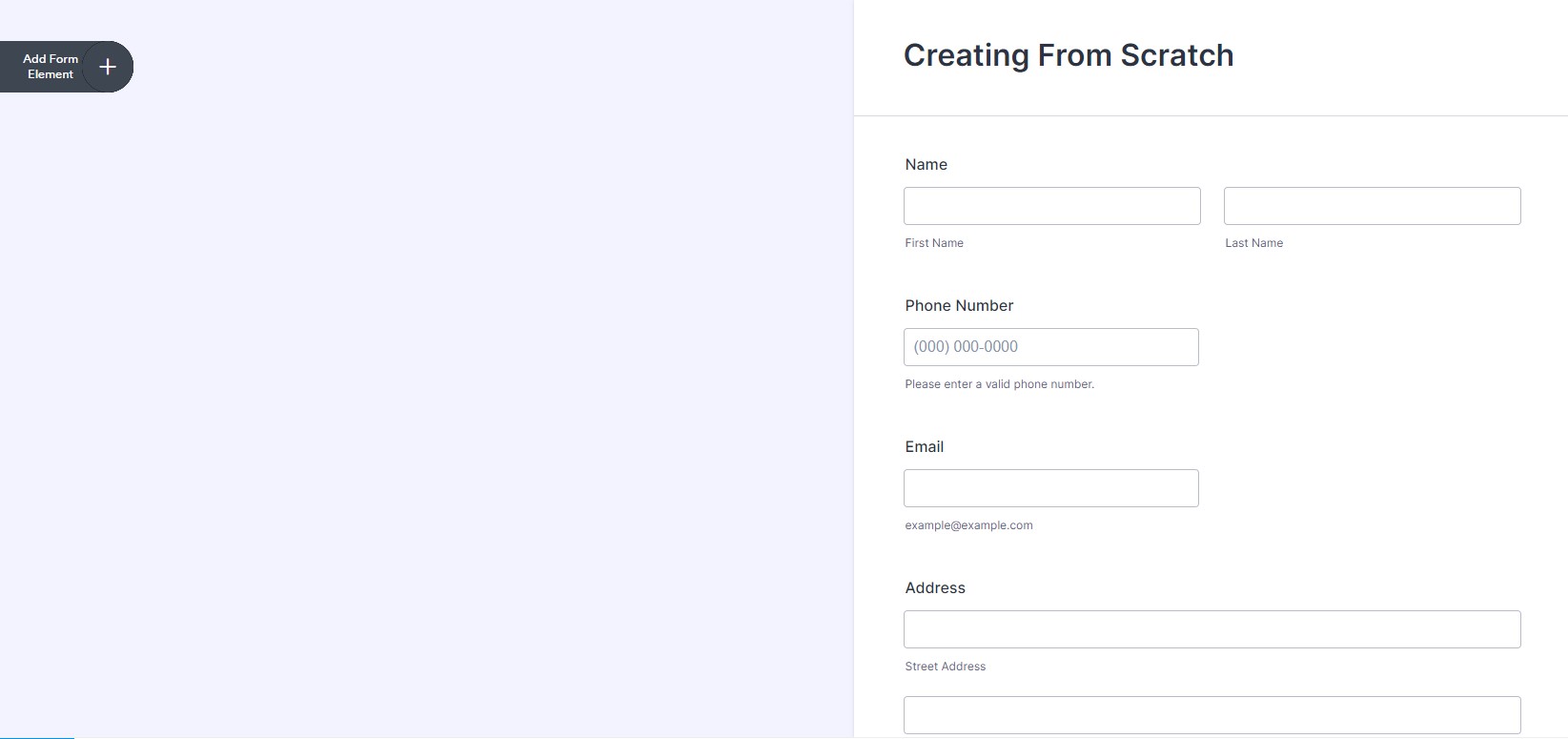
9. The form element container will slide out. Click on the element (such as Full Name). Full name element will appear in the form.

10. Add all the necessary elements to the page.
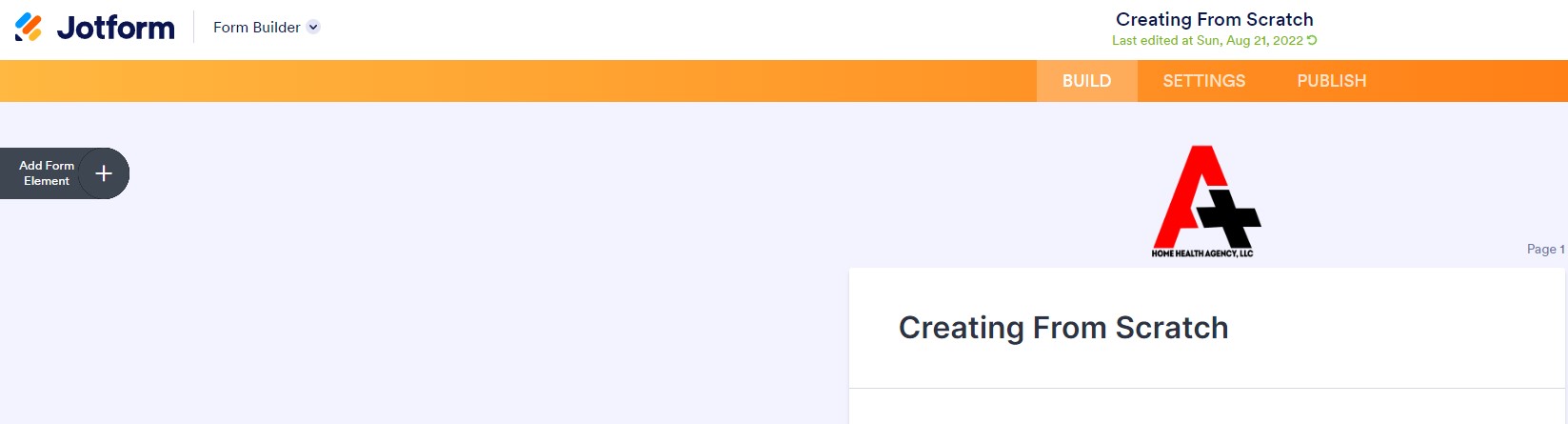
11. At the top of the page, notice that the title of the form and below it will be a note of when your work has automatically saved.

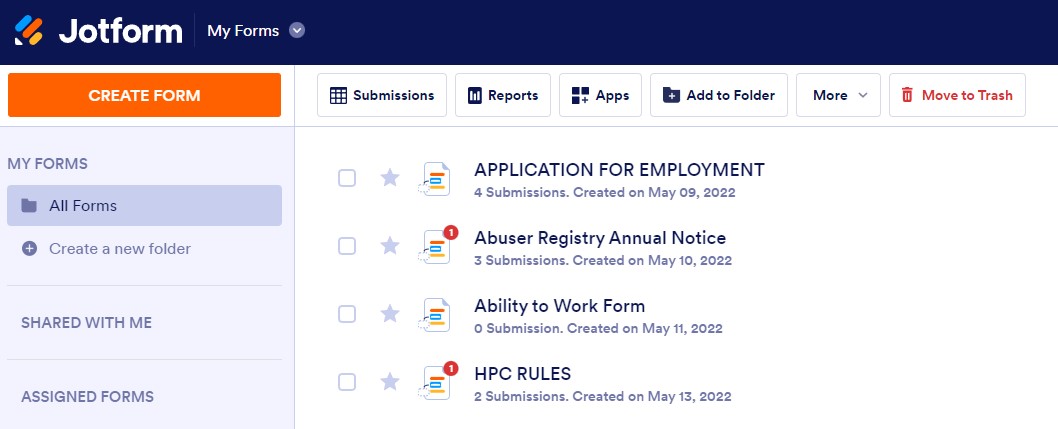
12. Click Jotform at the upper left hand-corner to return to All Forms. This is where your latest created form and all other forms are listed.
13. Scroll to find the form created.
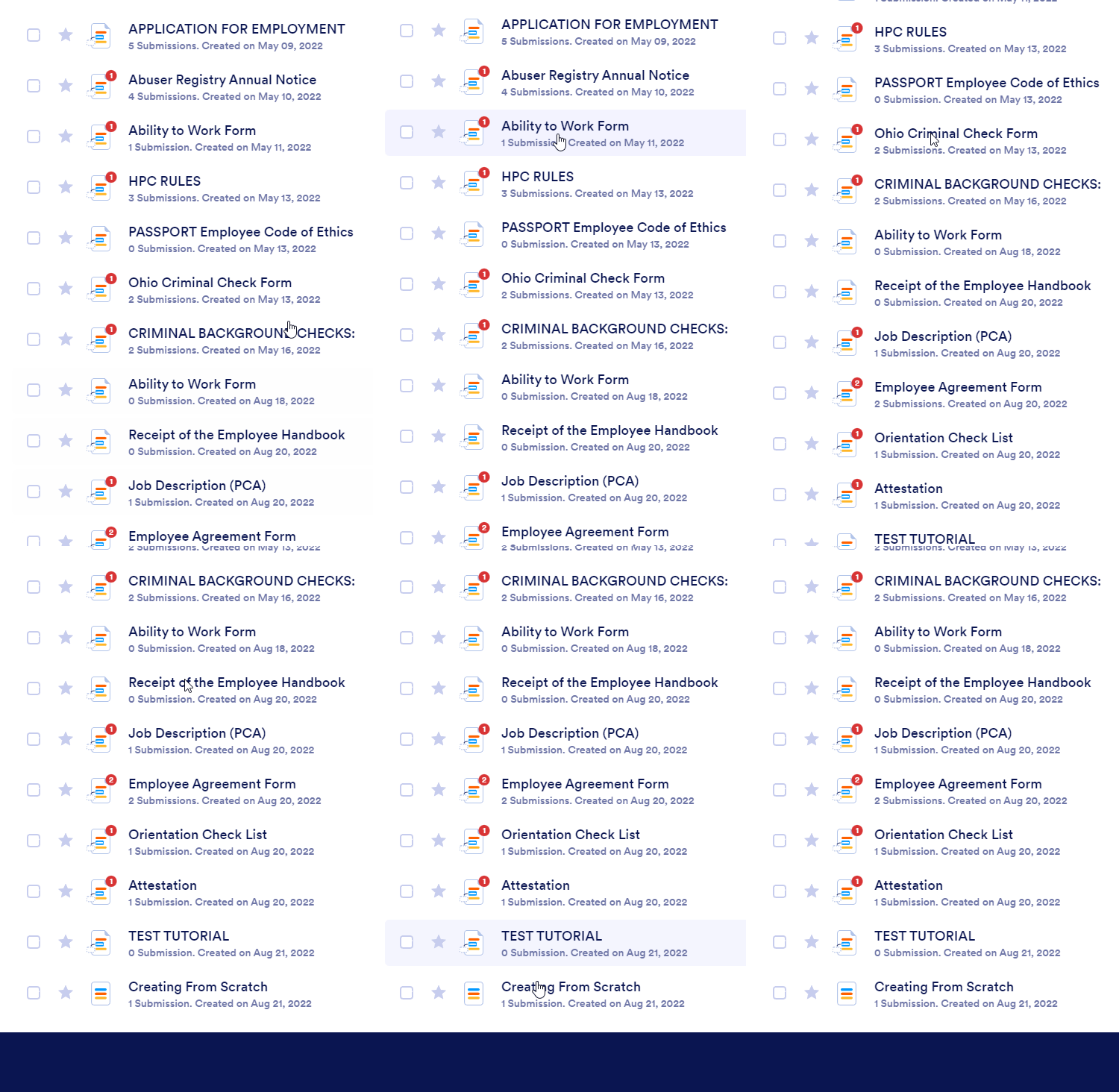
13. Newly created form will display the date it was created and how many submissions were generated.

Importing a Form
1. In the upper left hand corner, click Create Form. (Orange Button)

2. Follow the prompts, but selecting Import Form > Import PDF Form > Locate PDF document. After selecting the document, Jotform will begin reading and generating the information into the system.
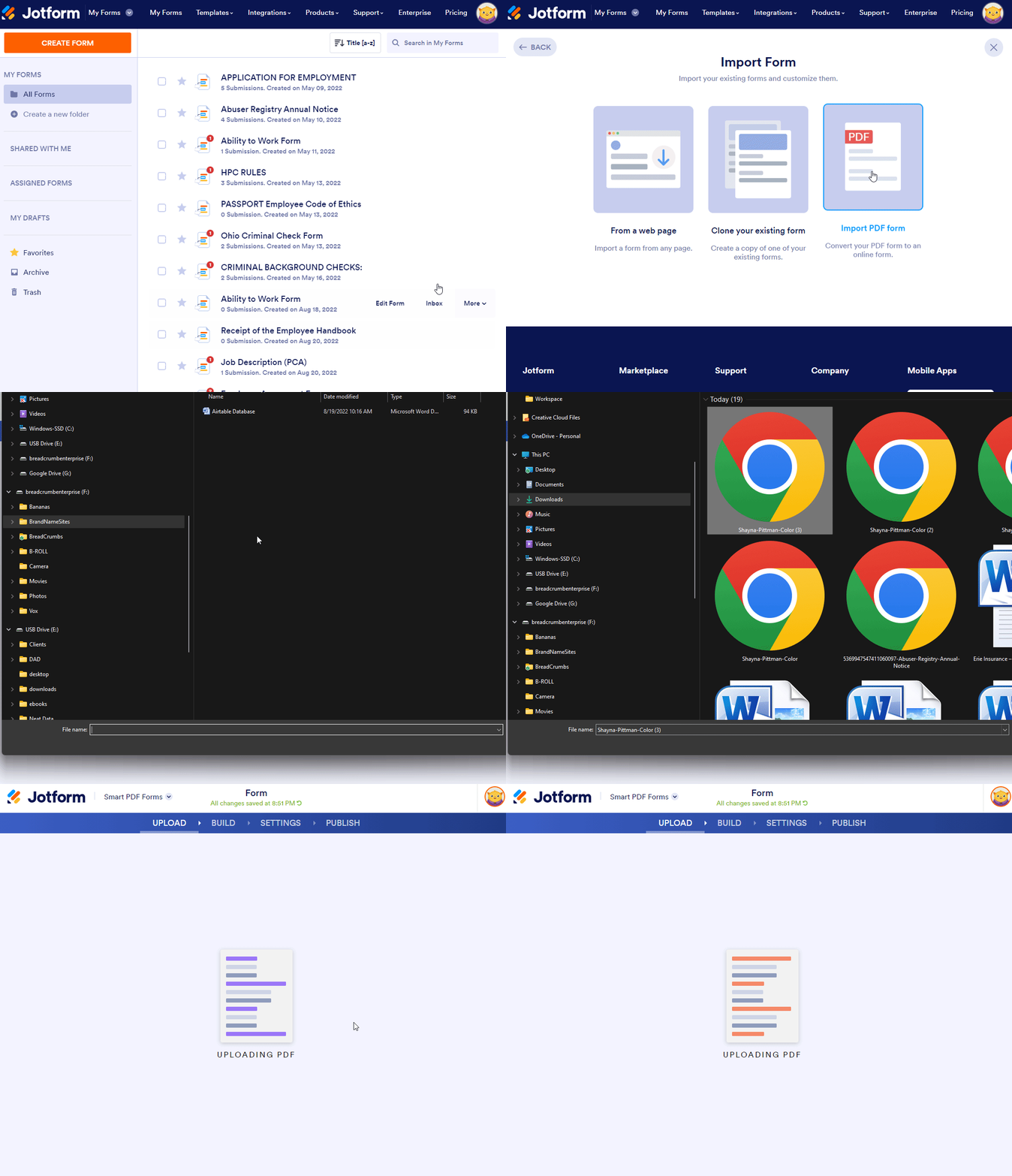
3. Follow the prompts, but selecting Import Form > Import PDF Form > Locate PDF document. After selecting the document, Jotform will begin reading and generating the information into the system.
Publishing a Form
1. Log In to your Jotform Portal.
Downloading Submissions
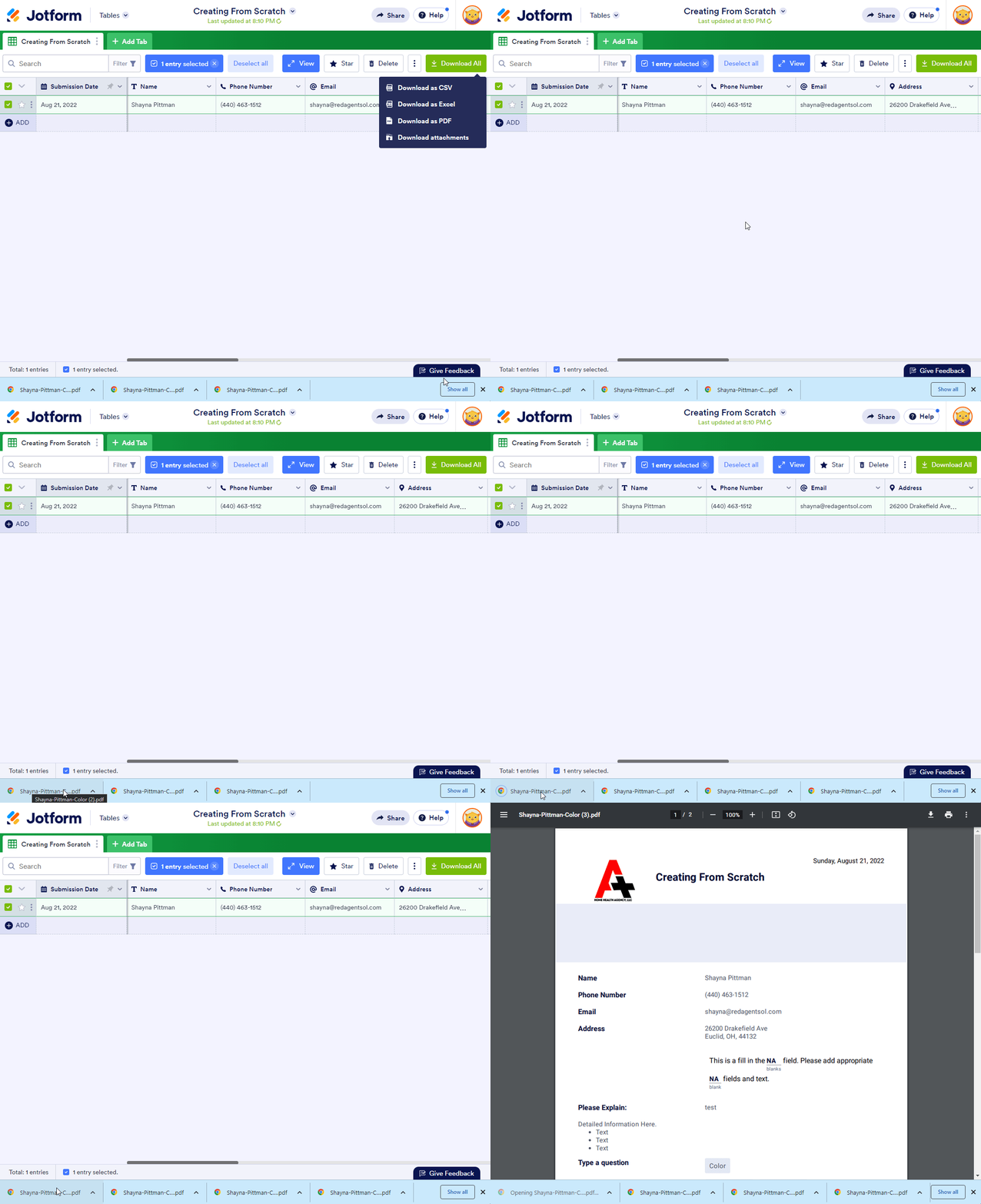
1. Click on the form. Locate Submissions above the list of forms after clicking on the form. Click Submissions.
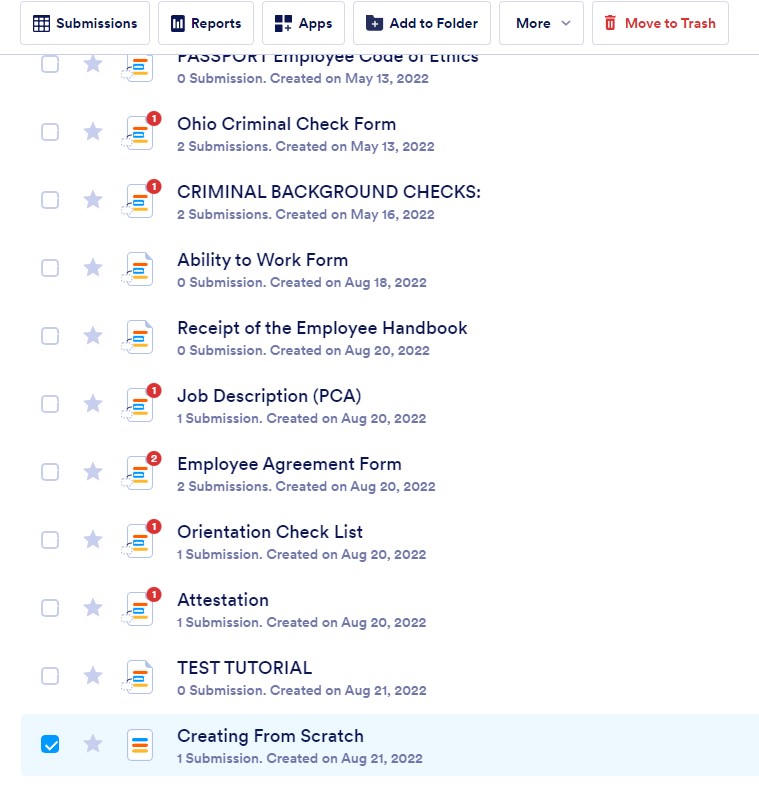
1. Click on the form. Locate Submissions above the list of forms after clicking on the form. Click Submissions.
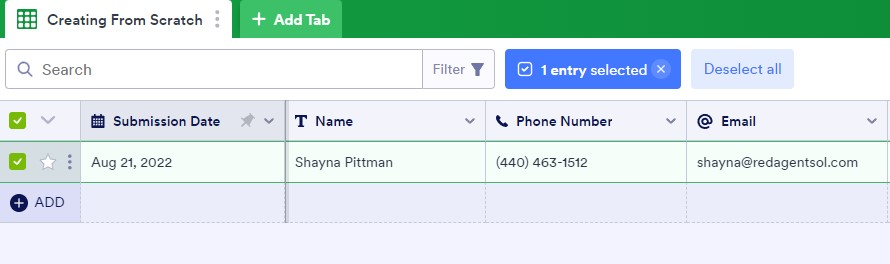
1. Click on the form. Locate Submissions above the list of forms after clicking on the form. Click Submissions.

1. Click on the form. Locate Submissions above the list of forms after clicking on the form. Click Submissions.
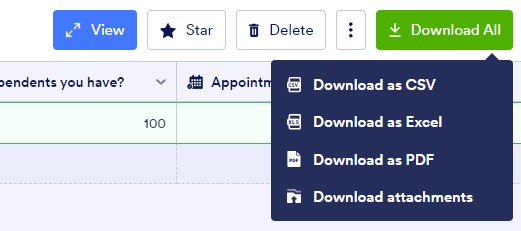
1. Click on the form. Locate Submissions above the list of forms after clicking on the form. Click Submissions.
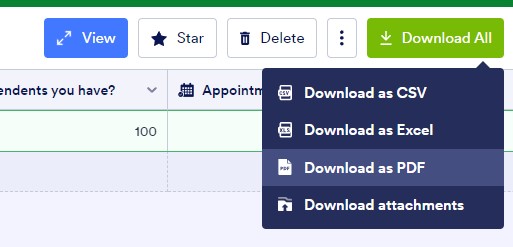
1. Click on the form. Locate Submissions above the list of forms after clicking on the form. Click Submissions.